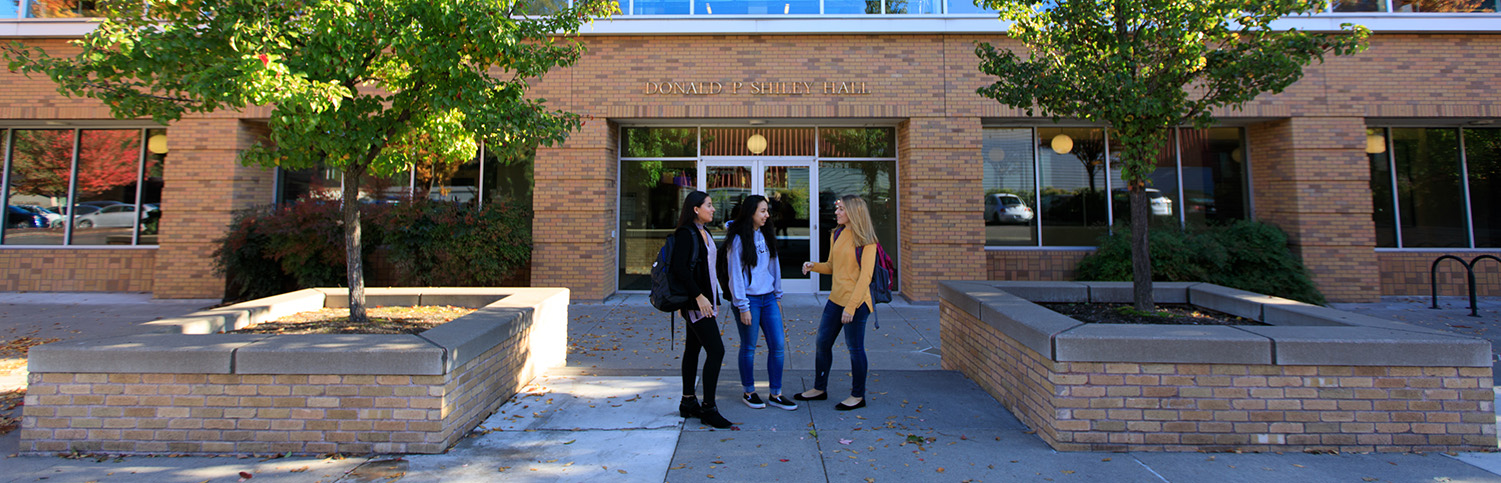

Whether you are a graduating high school senior or a transfer student, the best way to learn about us and see what we have to offer is to visit. We welcome visits by prospective students and their families including formal visitation days arranged by the admissions office as well as individual visits specifically showcasing engineering and computer science programs.
If you are interested, we can arrange a personal visit that can include a meeting with a faculty member, sitting in on a class, touring the engineering facilities including laboratories, and even meeting with a counselor to see how a curriculum degree plan might be tailored to your individual needs. However, to ensure we can meet your specific needs for a visit, please contact us in advance through admissions.
Please click on any of the links below to learn more about opportunities prospective students can expect with us.
For more information, if you have further questions or to schedule your visit, please Email us
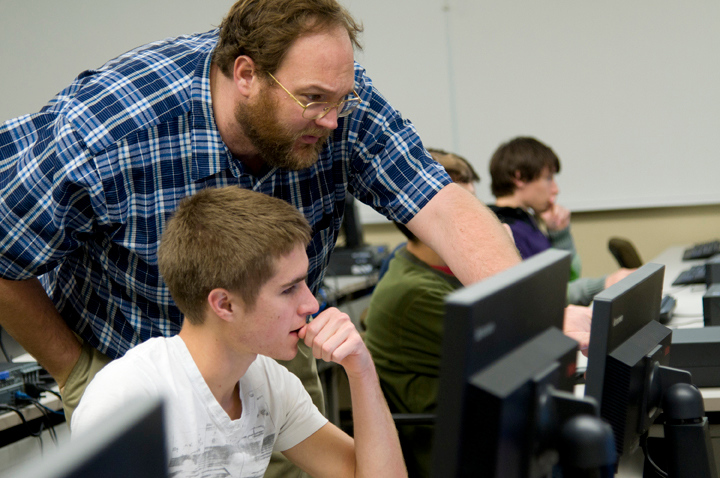
Computer Requirement - Mechanical, Electrical, and Civil Engineering
There is no specific type or brand of laptop required for Mechanical, Electrical, or Civil Engineering majors. The Shiley School of Engineering provides all software to students via a Virtual Machine (VMware), therefore only a web browser is required.
Because of their use of CAD software, civil engineering students may consider owning the following peripherals: full-sized keyboard, external mouse, and large external monitor. A web cam will also be useful for participating in remote meetings.
You may consider owning a PC laptop instead of a Mac if you are going to download the software to your personal computer instead of using the VMware. Shop for a laptop that is a reliable mid-to-high tier machine that will last through your college years. Recommended specifications include:
Computer Requirement - Computer Science
There is no specific brand or type of laptop required, however the Computer Science major recommends students have the following laptop specifications:
Either a Mac or a PC is fine. If you select a PC, consider installing Linux as either a primary or secondary (dual boot) OS
Best advice: purchase the best laptop the student can afford to last through the college years
Optional purchases:
If you are unsure of which major you will pursue, try to pick a computer that will work for each of the majors you are interested in. Feel free to contact engineering@up.edu if you have any questions.
University of Portland
5000 N. Willamette Blvd.,
Portland, Oregon 97203-5798
503.943.8000
